
Papabubble pinata's
Sep 2022
The challenge
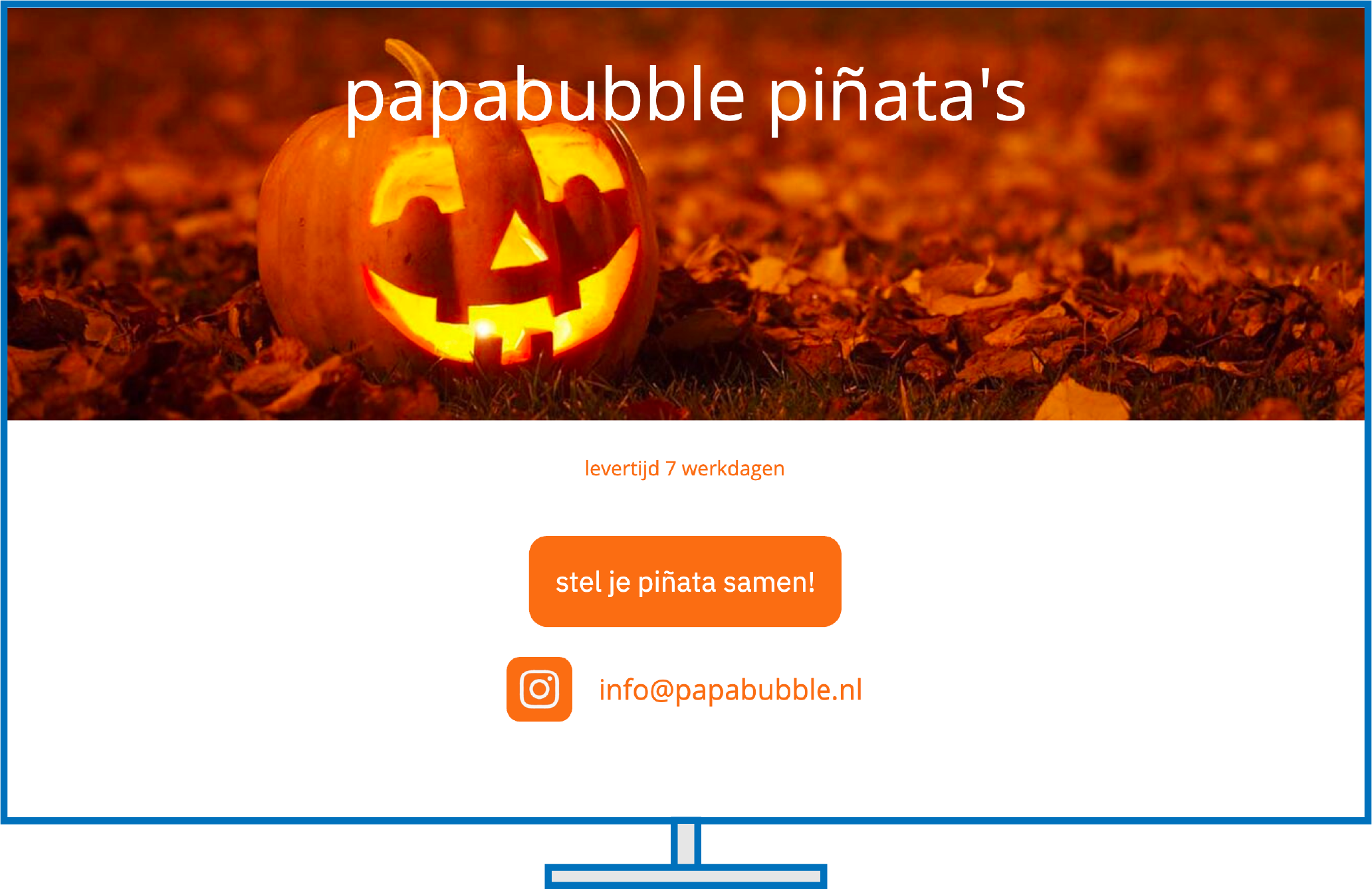
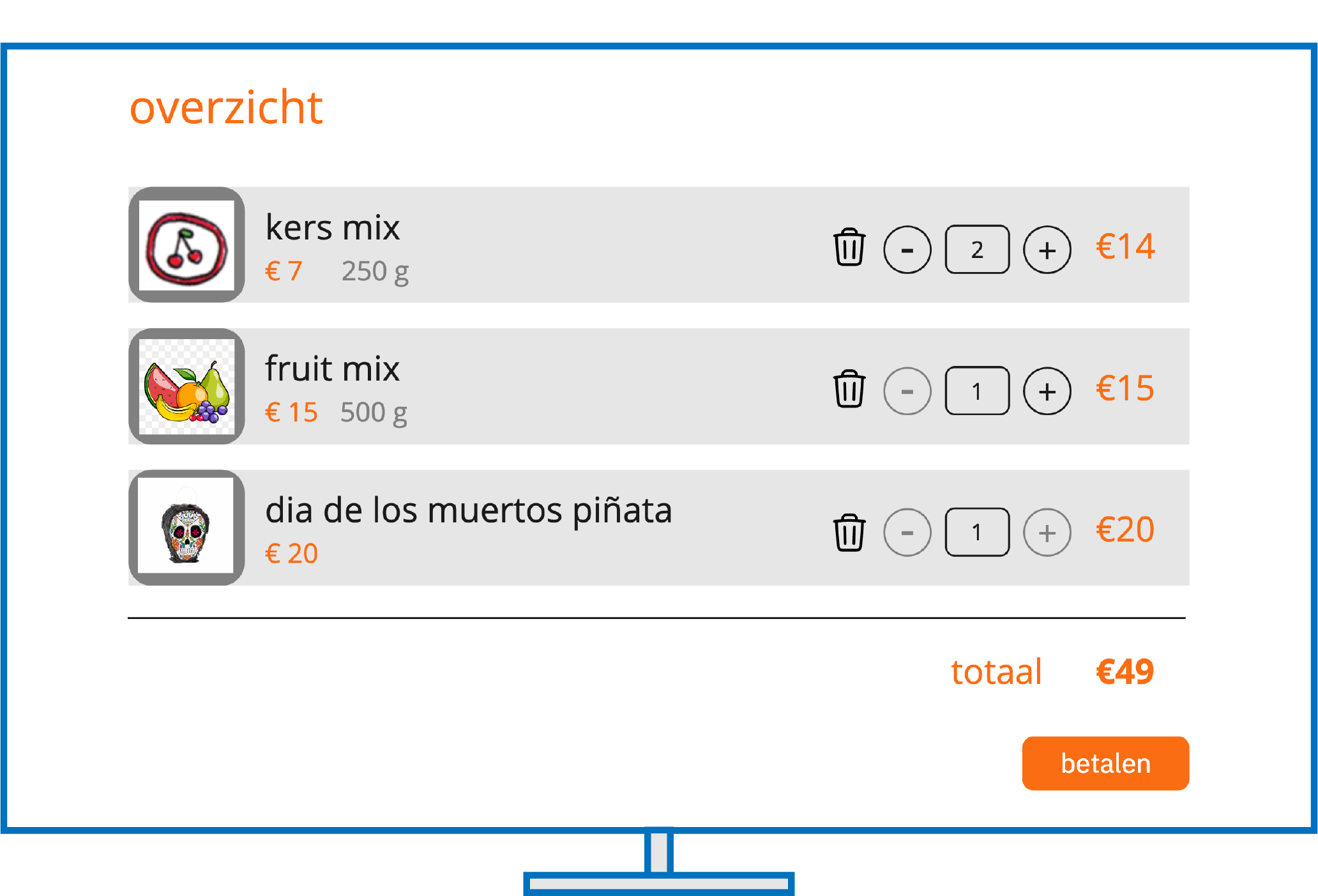
The objective was to make an intuitive webshop for a candy/piñata store. There were a lot of different ways to get candy and it was important that you could effectively navigate to every option and have a clear summary of your items. After you have successfully selected your candy you can choose a piñata and fill in a form for a scheduled delivery.
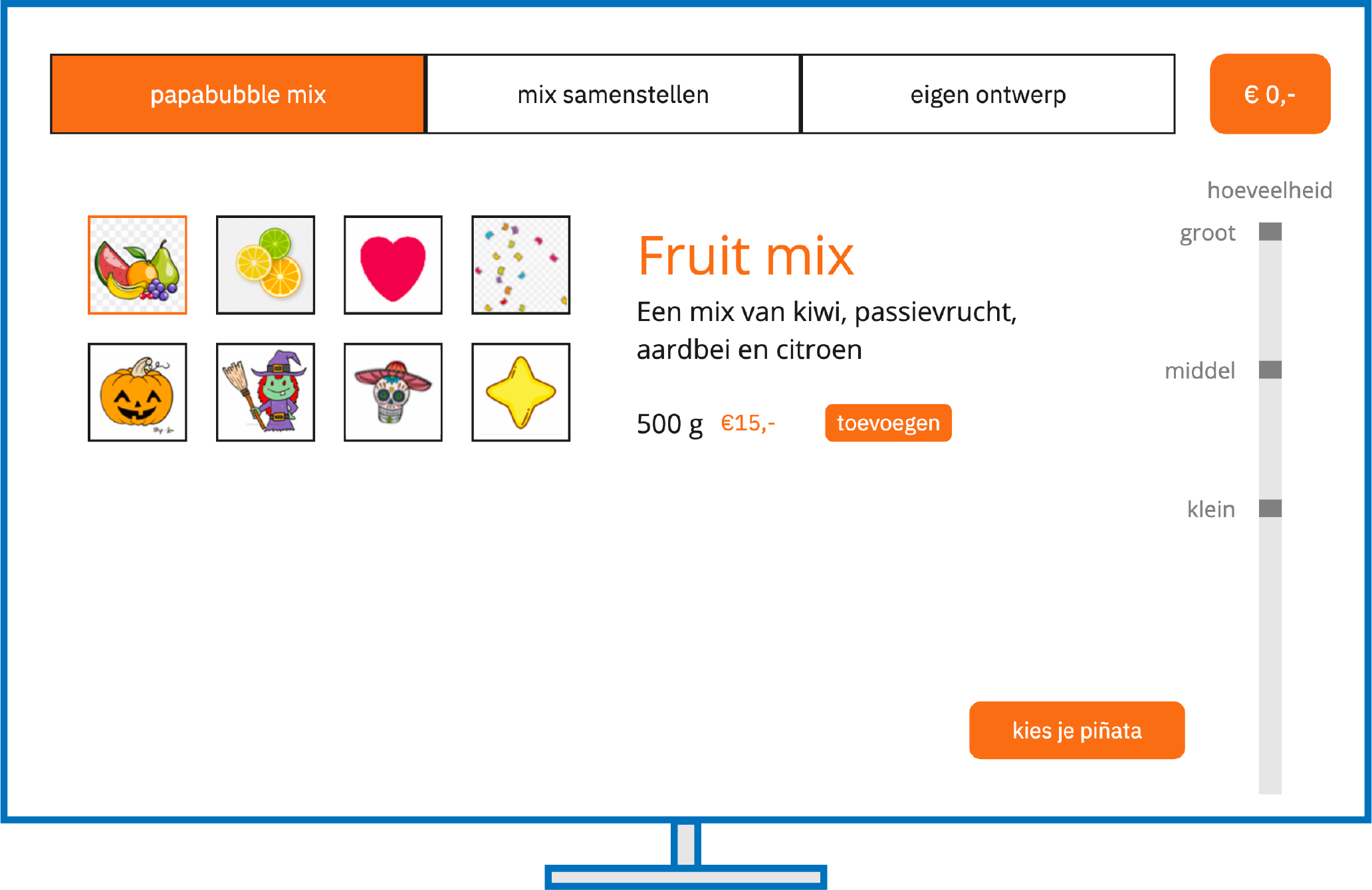
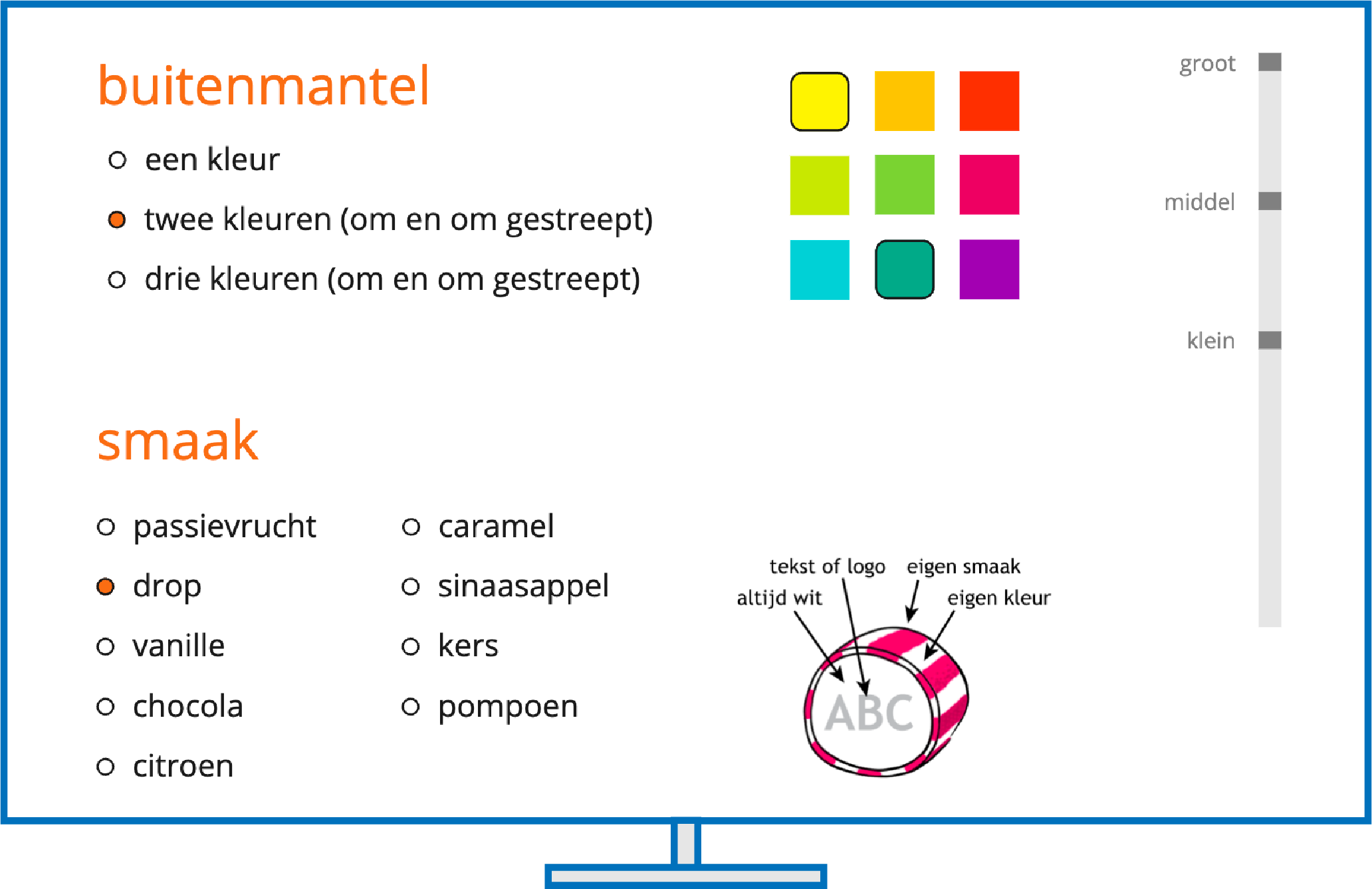
Choosing candy
There are three different categories of candy: you can get a mix of different candy’s, you can get one specific flavour or you can customize your own candy. With the custom candy there were different categories which you could customize, every category is marked with a title
Design patterns
I’ve made sure to use various design patterns for this design, such as: progressive disclosure, categorisation, input prompts, calendar picker, input prompt and a shopping cart. This makes different functions easier to recognize because the user has probably seen similar designs for elements with similar functions.
Result
During this project I’ve picked up the basics in terms of design patterns, I’ve learned a lot about spacing elements that don’t have anything to do with each other. This is my first design project for school so I got a lot of feedback during this whole process which in turn introduced me to a very important design technique: making iterations and looking for feedback.